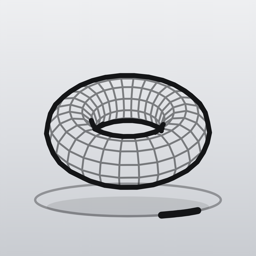
Solids3D
Spin, build and export mathematical shapes, drawn as crisp line art.
Browse 80 solids from cubes to Klein bottles, rotate them in every direction, or type a name to build your own. Export any shape as an image, or as an STL or OBJ file for 3D printing.
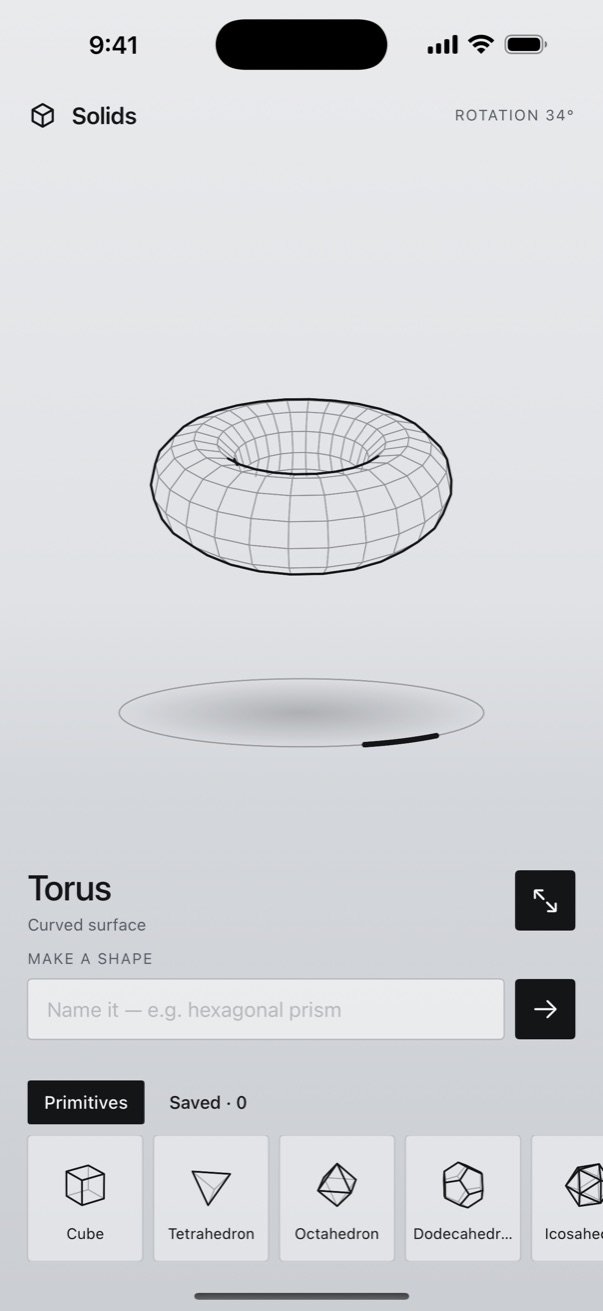
A pocket studio for 3D shapes.
80 shapes, one menu
Platonic, Archimedean and Catalan solids, stellations, knots, the Möbius strip, the Klein bottle, vases, gears and more.
Spin them every way
Drag to orbit in any direction with momentum, roll with the turntable ring, and pinch to zoom.
Wire, Solid or Points
Switch views to see a shape's structure, its faces, or just its vertices.
Type a shape's name
Try "hexagonal prism", "trefoil knot" or "soccer ball" and Solids3D builds it on the spot.
Save your favourites
Keep the shapes you make in a Saved tab, ready whenever you want them.
Export as image, STL or OBJ
Share the current view as an image, or the shape itself as an STL for 3D printing or an OBJ for other 3D apps.
See it in action
A turntable for every shape 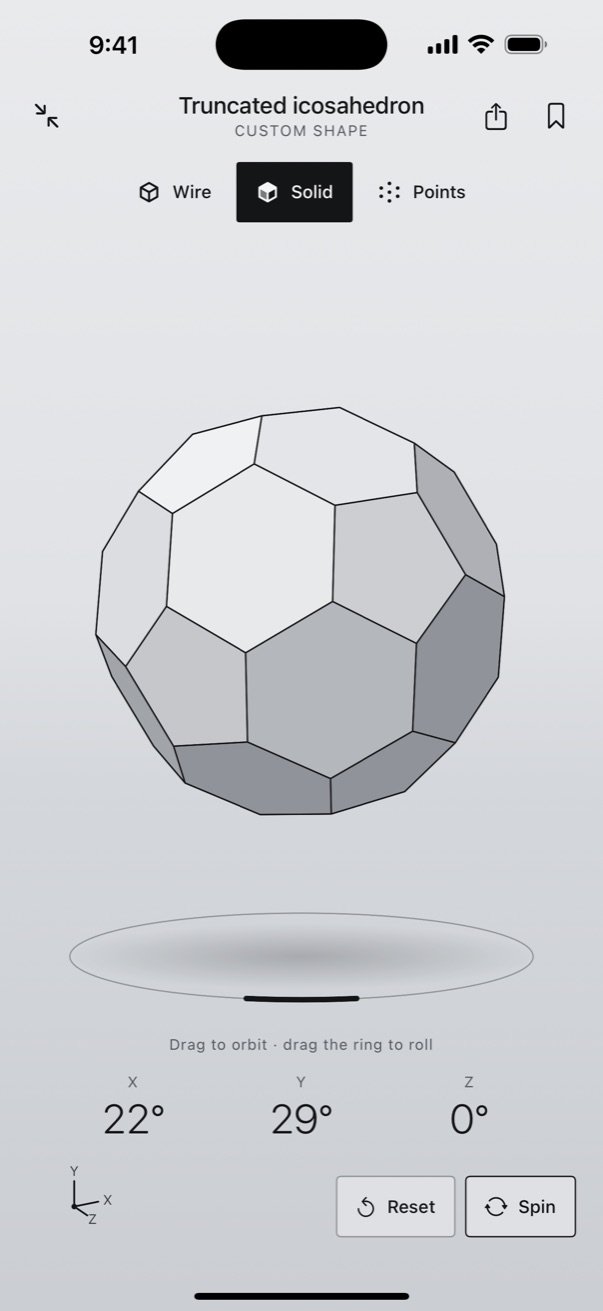
Solid view, with live rotation readouts 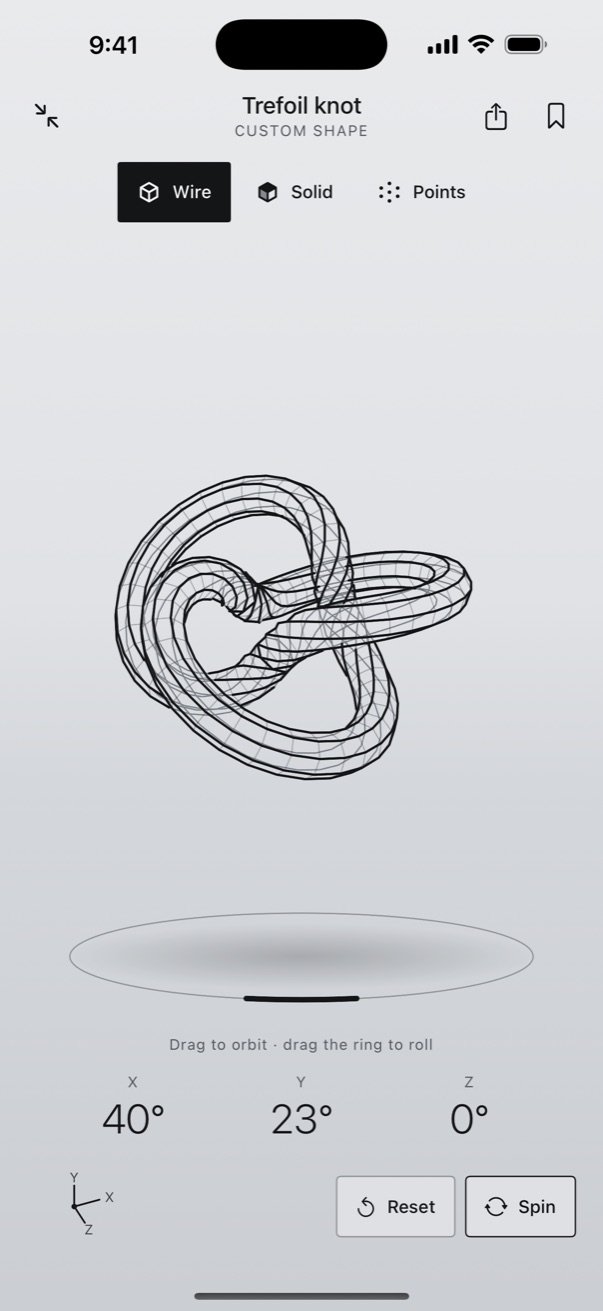
Knots, helices and curves 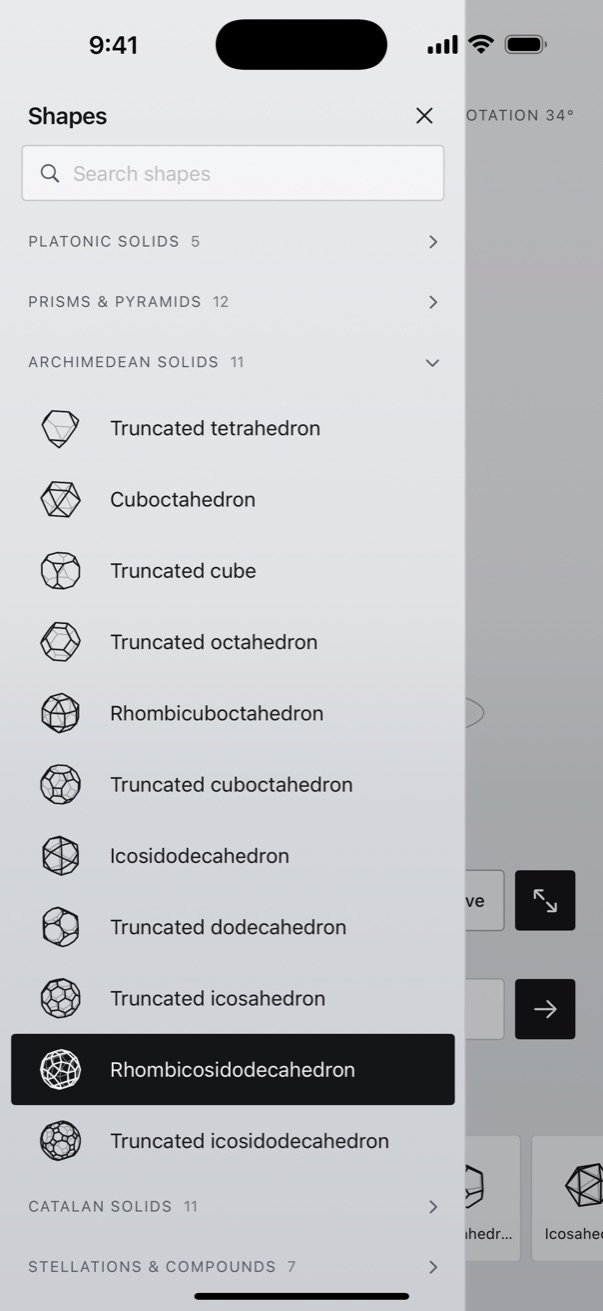
Browse the whole collection
Get Solids3D
For iPhone. Requires iOS 17 or later.
Questions
Will my exports 3D print?
Closed solids print well. Some shapes, such as the Möbius strip, Klein bottle, helicoid and saddle, are open surfaces with no inside, so they may not print correctly. Solids3D tells you when that applies.
Do I need an internet connection?
No. Every shape is generated on your iPhone, so it works anywhere.
Can I use the shapes I export?
Yes. You own the shapes you make and the files you export, including for commercial use.
Which iPhones does it run on?
Any iPhone running iOS 17 or later.
What data does the app collect?
None. Solids3D has no accounts, ads or analytics, it never connects to the internet, and the shapes you save stay on your iPhone. Read the full privacy policy.