
Bangon
A job-site calculator that works in feet, inches and sixteenths.
Add up cuts, lay out stairs, space pickets, figure rafters and estimate concrete without converting fractions in your head. Built for carpenters, framers and anyone who works off a tape measure.
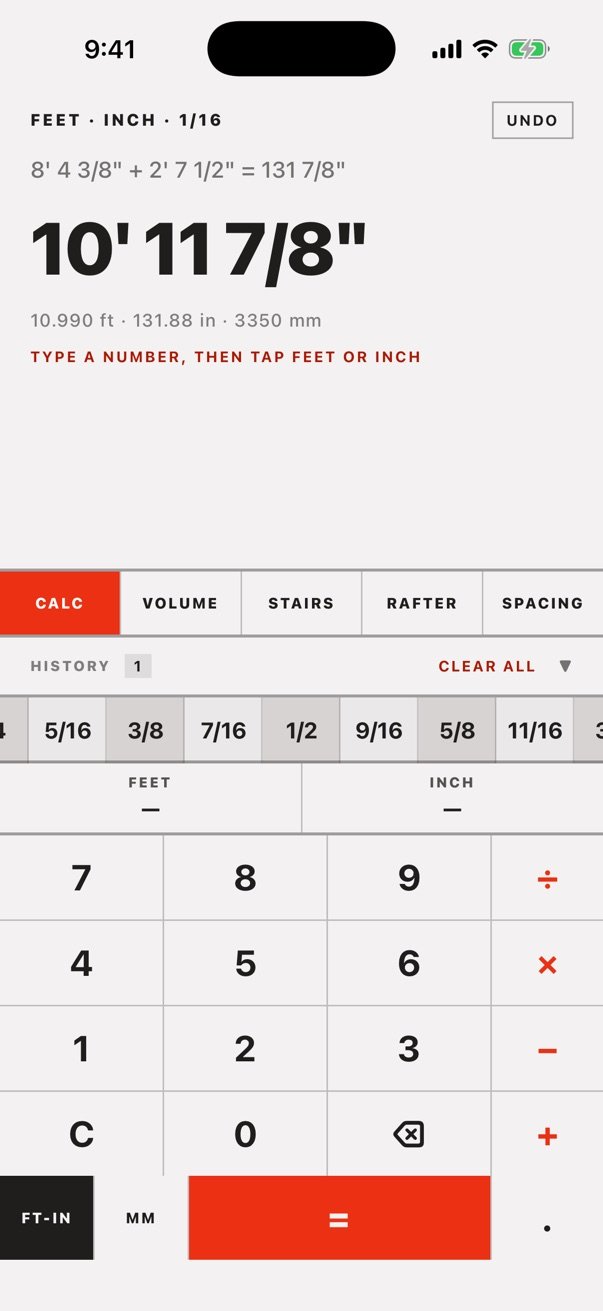
Five job-site tools, one keypad.
Feet, inches and sixteenths
Add, subtract, multiply and divide in feet, inches and sixteenths, or switch to metric. Type a number, then tap the unit it belongs to.
Stair layout
Enter the total rise and run and get the riser count closest to your target, with riser height, tread depth and a table of other options.
Rafters
Pick a pitch or set your own, and get the rise, rafter length and angle, allowing for the ridge and plate.
Even spacing
Space pickets, balusters or joists evenly between two fixed points. Set the count and get the gap and the on-center spacing.
Concrete volume
Work out slabs, footings, walls and piers in cubic yards, with a quantity for repeat pours.
History and undo
Every calculation lands in a history you can reuse, and undo steps back through your last 25 changes.
See it in action
Add fractions without the head maths 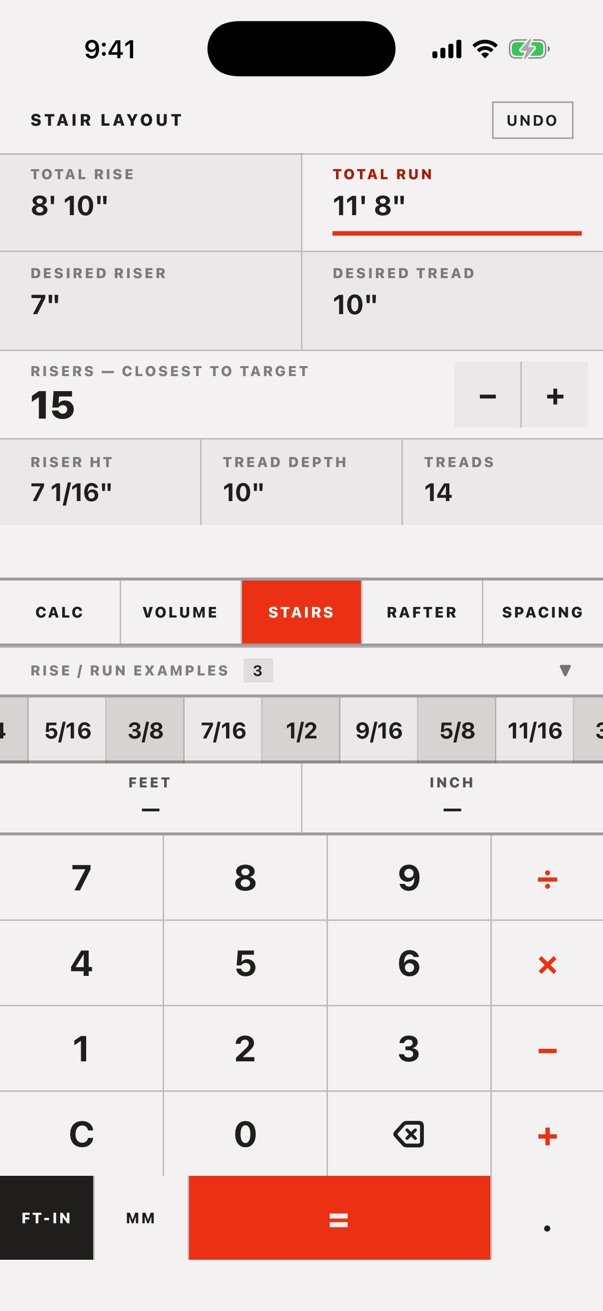
Lay out a flight of stairs 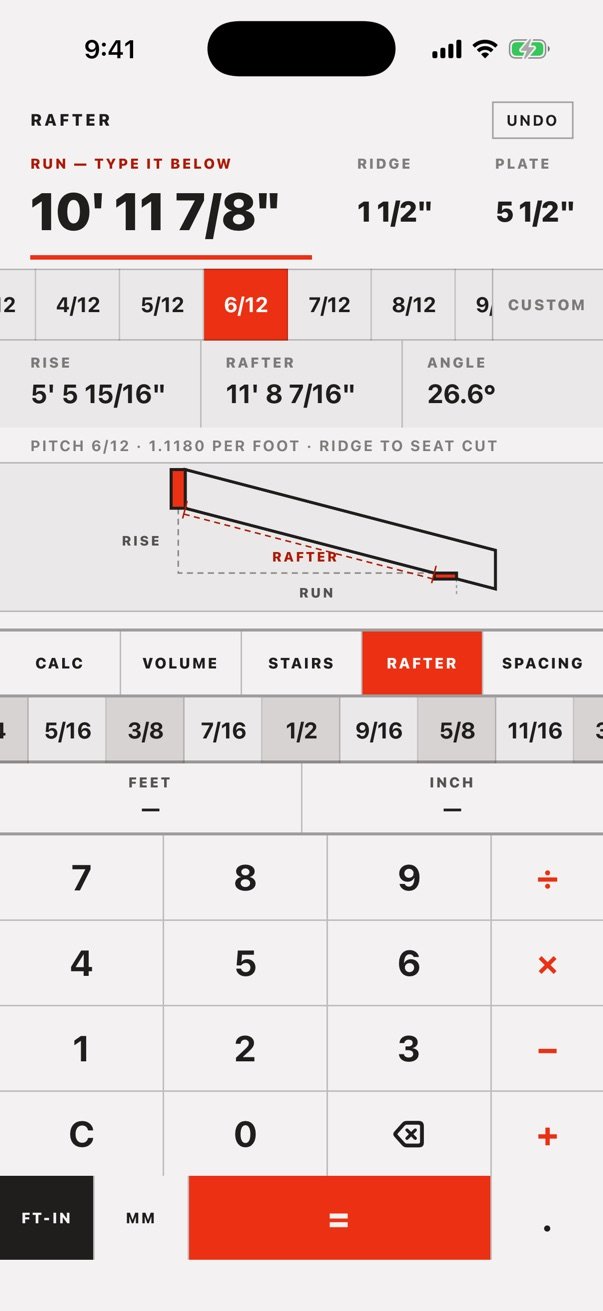
Rafter length and angle at any pitch 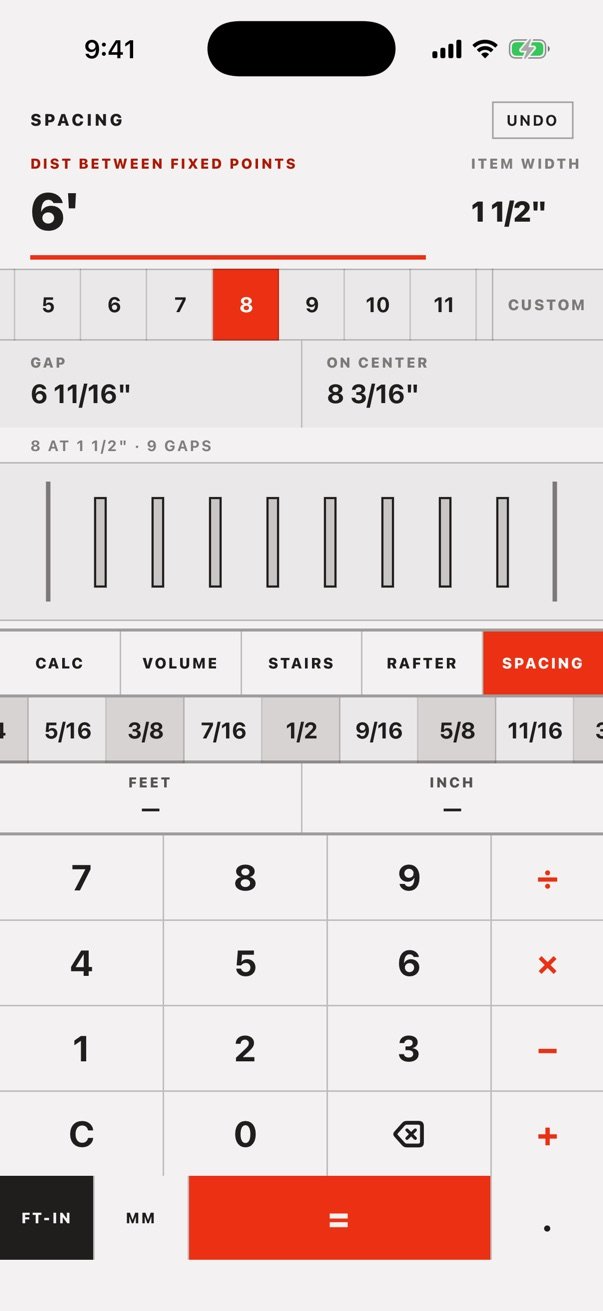
Space pickets evenly
Get Bangon
One purchase. No ads, no subscriptions. Requires iOS 17 or later.
Questions
Does Bangon work in metric?
Yes. Tap MM to switch to meters, centimeters and millimeters, and FT-IN to switch back.
Do I need an internet connection?
No. Bangon does all its maths on your iPhone, so it works anywhere, including sites with no signal.
Which iPhones does it run on?
Any iPhone running iOS 17 or later.
What data does the app collect?
None. Bangon has no accounts, ads or analytics, and it never connects to the internet. Your history and settings are saved only on your iPhone. Read the full privacy policy.